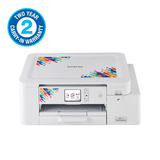
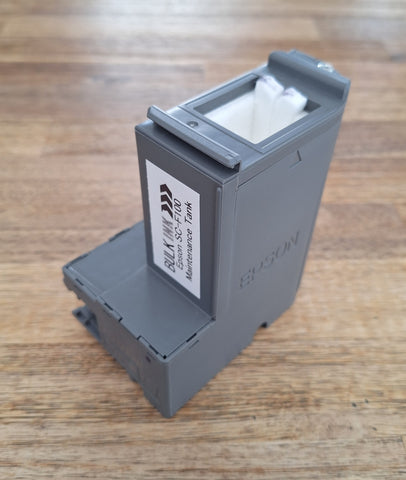

Maintenance tank for Epson SC-F100
- Brand new compatible maintenance tank (waste ink tank) for the Epson Surecolor SC-F100 / F170 dye sublimation printer.
- Please power/turn off your printer and remove the power cable, before installing this new tank!
- Fully plug and play.
- Compatible with the Epson C13S210125 / SC23MB codes (not to be confused with the commonly available C13T04D100 tank which is much cheaper).
- If the unit does not detect correctly, put the old tank back, let it register/read, then remove it. Power the printer off, remove the power cable and wait for a few minutes. With power still off/removed, install the new tank, then connect power and turn it on again. Worst case, in the event of a complete chip failure we can either send you a new chip or you may return the complete unit for an exchange / refund.
We Also Recommend